The Big Idea: A Network Built for Motion
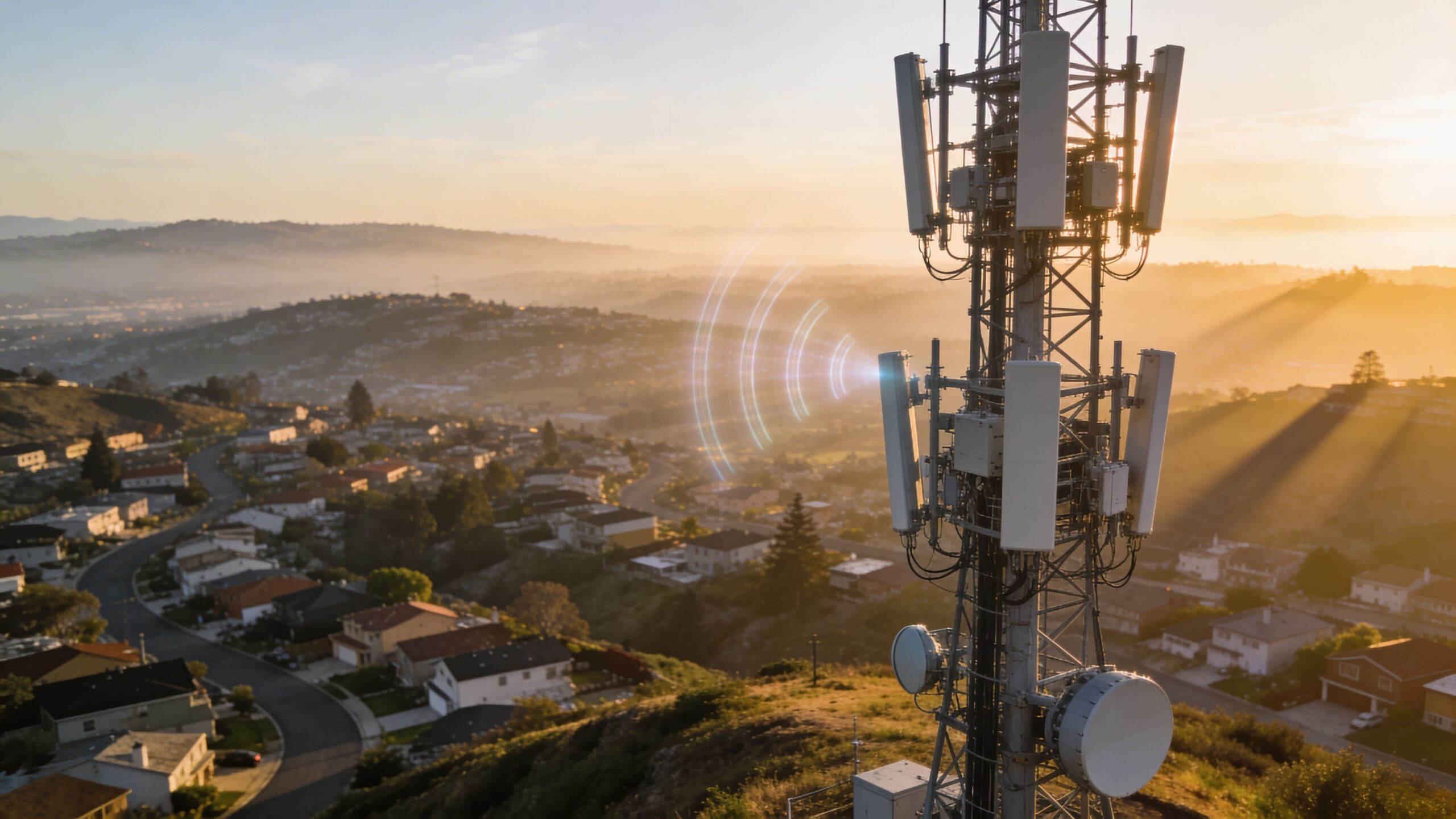
A cellular network is the system that lets your phone make calls, send texts, and use mobile data by connecting wirelessly to nearby radio equipment. Instead of relying on a single powerful transmitter to cover an entire city, cellular networks divide the world into many smaller coverage areas called cells. Each cell is served by a base station—often mounted on a tower, rooftop, or street pole—that communicates with your phone using radio waves. The magic of the cellular approach is that it’s designed for movement. You can walk, drive, or ride a train while staying connected because your phone can switch from one cell to another without interrupting what you’re doing. Underneath that seamless experience is an enormous set of coordinated technologies that manage signals, capacity, identity, and routing at internet scale.
A: The tower may be congested or the signal quality may be poor.
A: No. It depends on band, coverage, device support, and network load.
A: Sometimes, especially if the old phone lacks important bands.
A: A handoff, weak coverage edge, or congestion can interrupt the session.
A: Wi-Fi calling, better carrier coverage, or a properly installed signal solution may help.
A: It uses wireless access, but the plan and equipment are designed for home broadband.
A: Networks often allocate more capacity to download demand.
A: Only partly. Local coverage and congestion matter most.
A: Coverage, failover, voice quality, latency, and support response.
A: The one that performs reliably where you actually use it.
What “Cellular” Means (And Why Cells Matter)
The word cellular refers to how the network is organized. Imagine a map covered in overlapping bubbles. Each bubble is a cell, and each one has equipment that talks to devices inside it. Cells overlap on purpose so you’re not stranded at the edge of coverage; your phone can see multiple cells and choose the best one for your current location.
Cells also make spectrum reuse possible. Radio spectrum is limited, and carriers can’t just “make more air.” Instead, the same frequencies can be reused in different cells that are far enough apart not to interfere too much. That reuse is what makes mobile networks scalable: millions of people can share a finite resource because the network splits the world into manageable pieces.
Towers, Base Stations, and What’s Actually on the Pole
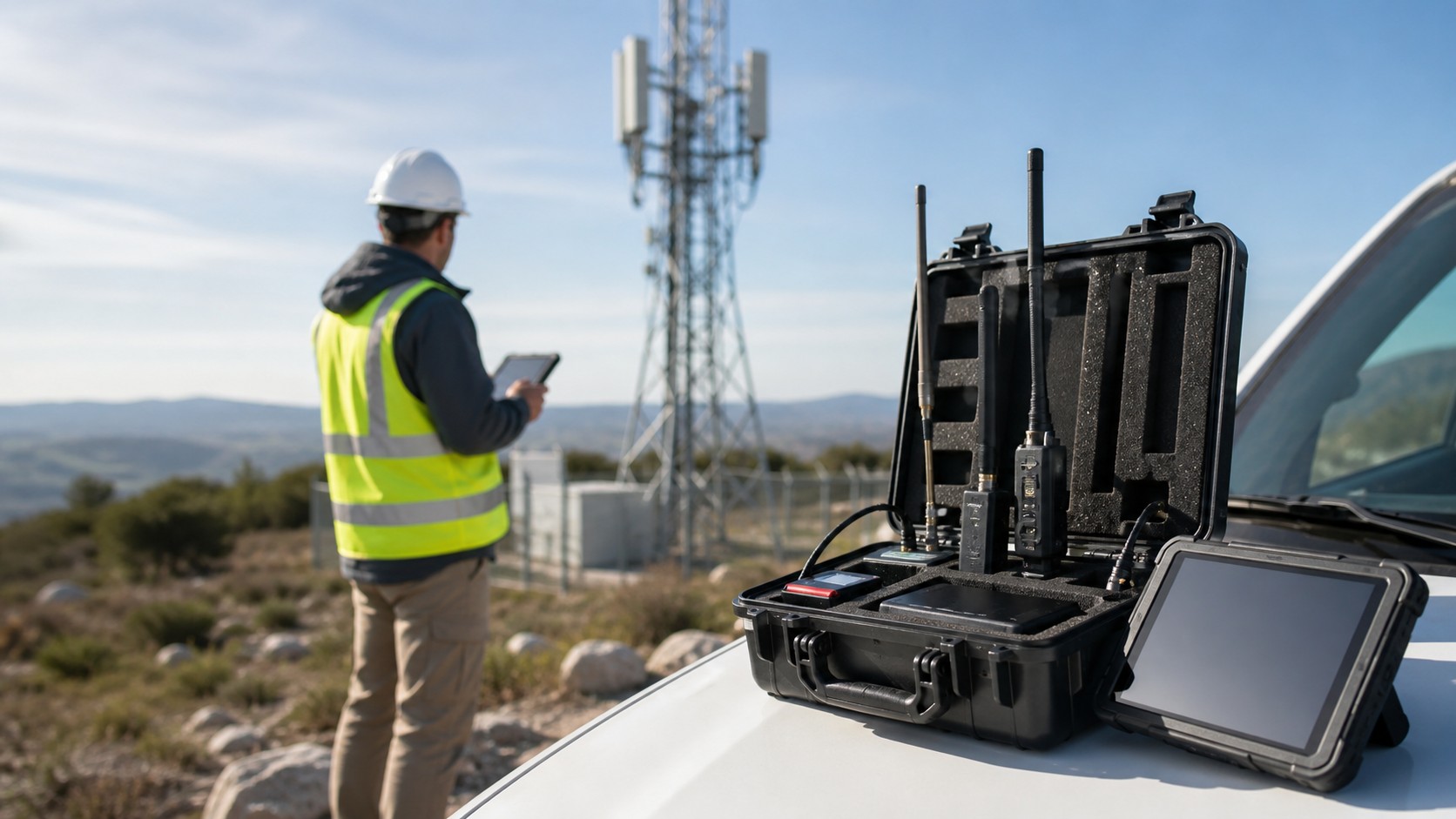
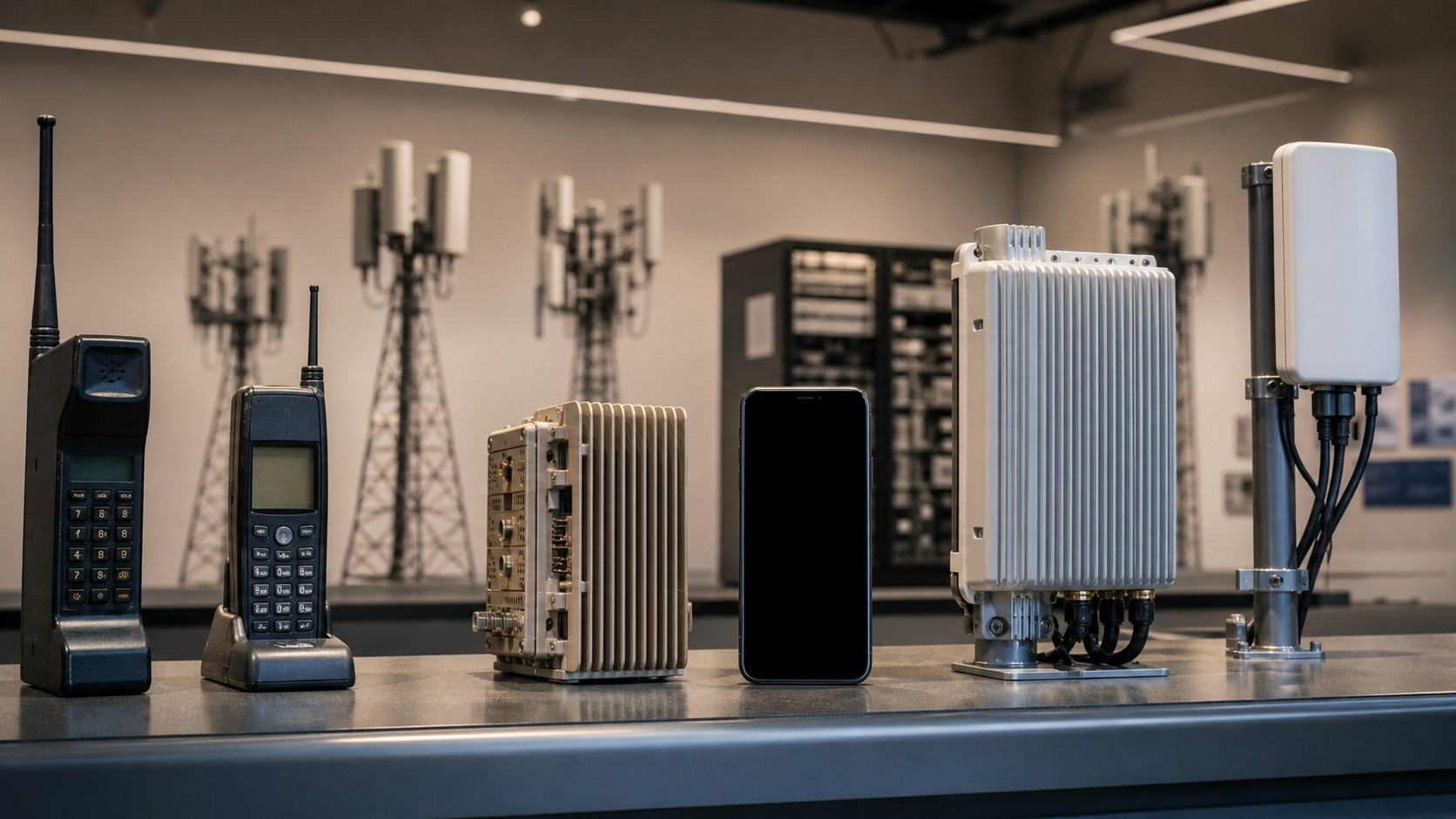
People often say “the tower,” but the tower is mostly a structure—like a billboard frame. The real network components are the antennas, radios, and supporting equipment mounted on it. A large traditional site is often called a macro cell, designed to cover a wide area. In dense cities, you’ll also see small cells, compact base stations placed closer to users to increase capacity. A base station is like a bilingual translator between your phone and the carrier’s wired network. On one side it speaks radio, timing, and signal processing. On the other side it speaks fiber, routing, and network protocols. It also manages many devices at once, scheduling who gets to transmit and when, so that a neighborhood full of phones can share the same airwaves without turning into noise.
Spectrum: The Invisible Real Estate That Powers Everything
Spectrum is the range of radio frequencies used to carry cellular signals. Carriers operate in licensed spectrum, meaning they’re authorized to use certain frequency bands in certain regions. Different frequencies behave differently, and that behavior shapes your real-world experience more than almost anything else.
Lower-frequency spectrum tends to travel farther and penetrate buildings better, which makes it excellent for coverage. Higher-frequency spectrum can carry more data, but it usually has shorter range and struggles more with walls and obstacles. Modern networks mix multiple bands so they can balance reach and speed, and your phone can switch bands automatically depending on what the network offers at your location.
How Your Phone Finds a Network
Your phone is constantly listening. Even when you’re not actively browsing, it monitors signals from nearby cells and measures which ones are strongest and cleanest. When your phone chooses a cell, it synchronizes to that cell’s timing and configuration so the two can communicate without collisions. This synchronization is part of why the network can coordinate many devices at once. After synchronization, your phone registers on the network. This is the point where the network learns that your device is present in a certain area and is ready to send and receive traffic. Without this step, the carrier wouldn’t know where to deliver calls and data meant for you.
SIM and eSIM: Your Network Passport
A SIM or eSIM contains credentials that prove you’re authorized to use a carrier’s network. When your phone attaches, the network verifies those credentials and creates a secure context for communication. This is why you usually don’t “log in” to cellular the way you log in to Wi-Fi—your identity is built into the subscription.
This authentication process also sets up encryption for the radio link. In simple terms, it helps protect what travels between your phone and the cell site so casual eavesdropping over the air is much harder. The details get technical fast, but the beginner takeaway is easy: your phone and the network establish trust and then communicate using protected radio sessions.
Signals and Scheduling: Why Wireless Isn’t a Constant Pipe
A common misconception is that your phone gets a fixed “lane” to the network. In reality, mobile networks work more like a highly organized intersection. Thousands of devices share the same spectrum, so the base station schedules small chunks of time and frequency for each device. Your phone transmits for a moment, then someone else transmits, then you transmit again—so quickly it feels continuous. The network also adapts the signal based on conditions. If you’re close to the cell site with a clean signal, the network can use a more efficient method that packs more data into each transmission. If you’re farther away or inside a building, the network may switch to a more robust method that carries less data but is more resistant to noise. This is one of the reasons your speed changes as you move around, even with the same network icon.
From Radio to Internet: The Path Your Data Takes
When you open a website, your phone sends tiny chunks of information called packets. Those packets travel over the radio link to the base station. From there they move through backhaul—high-capacity connections like fiber or microwave links—into the carrier’s core network. The core network assigns your phone an IP address, enforces policies tied to your plan, and routes your traffic toward the public internet.
When the website responds, packets travel back through the core, through backhaul, through the base station, and finally over the air to your phone. The entire round trip can happen in fractions of a second. When it feels slow, the delay could be in the radio link, the backhaul, the carrier core, or even the server you’re contacting. Cellular speed is a system performance, not a single number.
Backhaul: The Hidden Piece People Forget
Backhaul is the bridge between the cell site and the rest of the network. If the radio link is the “wireless last mile,” backhaul is the highway that carries all local traffic to the core. A tower can have a great signal but still feel slow if its backhaul is constrained or congested. Fiber backhaul usually offers the most capacity and the lowest delay. Microwave backhaul can also be strong, especially where fiber is difficult to deploy, but it can have different constraints depending on distance and shared capacity. Understanding backhaul helps explain why two towers with similar coverage can deliver very different speeds.
Handoffs: How You Stay Connected While Moving
As you move, your phone continuously measures nearby cells. When the network decides it’s time to switch you to a new cell, it performs a handoff. A good handoff feels invisible: your stream doesn’t stutter, your call doesn’t drop, and your apps keep working. The network prepares the next connection before letting go of the current one.
Handoffs are one reason cellular networks are complex. The network must decide when to switch, which cell to switch to, and which frequency band will perform best. If you’re traveling fast, those decisions happen more often. If you’re in a dense area with many small cells, the network has more choices, but it must also avoid bouncing you around unnecessarily.
Why Coverage and Speed Change So Much
Wireless conditions change constantly. Buildings reflect and absorb radio waves. Cars and people create moving interference. Terrain blocks line-of-sight. Meanwhile, network demand rises and falls by the minute. A cell that feels blazing fast at 7 a.m. may feel sluggish at 5 p.m. when everyone returns home and starts streaming. Congestion is especially important because wireless bandwidth is shared. Even if you have “full bars,” you may be sharing the cell with hundreds of other devices. The network is trying to be fair and keep everyone connected, so your slice of capacity can shrink during busy moments. Newer technologies like LTE Advanced and 5G help by improving efficiency and adding capacity, but the shared nature of wireless never disappears.
LTE and 5G: Generations, Layers, and Real Life
LTE is the technology that powered most 4G networks and remains a major layer of coverage today. It’s fast, mature, and widely deployed. 5G is the newer generation designed to increase capacity, lower latency, and expand the spectrum options networks can use. In many areas, LTE and 5G work together, with the network choosing the best combination for stability and performance.
For beginners, the most practical understanding is that modern cellular networks are layered. LTE often provides a dependable foundation. 5G adds new capacity and speed where it’s been built out, especially on mid-band spectrum and in dense deployments. Your phone switches between these layers to keep your experience smooth.
The Beginner’s Bottom Line
A cellular network is a carefully engineered system that turns radio waves into a reliable internet connection while you’re in motion. Cells divide coverage into reusable zones, spectrum carries signals through the air, base stations schedule communication for many users at once, and the core network routes your data to the internet. Handoffs keep you connected as you move, and backhaul quietly determines how much capacity a cell can truly deliver. Once you understand these basics, the everyday mysteries become predictable. Speed changes because wireless is shared and the environment shifts. Coverage changes because spectrum behaves differently and infrastructure isn’t uniform. And the little icon on your phone is just the surface of an enormous machine built to keep you online anywhere you go.