The Invisible Journey Behind Every Tap
You can be in a grocery store aisle, a mountain town, or a packed stadium and still summon a web page in seconds. It feels effortless: your phone lights up, apps refresh, and video streams start instantly. But under that calm surface is a fast-moving chain of events that turns a tiny radio in your pocket into a full internet connection. Mobile networks connect you through a carefully choreographed system of radio towers, licensed spectrum, encrypted identity checks, high-speed transport lines, and massive “core” network computers that steer your data to the right destination. Once you see the path your information takes, you’ll also understand why speeds change, why “one bar” can still work, and why 4G, LTE, and 5G behave differently.
A: The tower may be congested or the signal quality may be poor.
A: No. It depends on band, coverage, device support, and network load.
A: Sometimes, especially if the old phone lacks important bands.
A: A handoff, weak coverage edge, or congestion can interrupt the session.
A: Wi-Fi calling, better carrier coverage, or a properly installed signal solution may help.
A: It uses wireless access, but the plan and equipment are designed for home broadband.
A: Networks often allocate more capacity to download demand.
A: Only partly. Local coverage and congestion matter most.
A: Coverage, failover, voice quality, latency, and support response.
A: The one that performs reliably where you actually use it.
Step One: Your Phone Wakes Up and Listens
Before your phone sends anything, it listens. It scans the air for signals from nearby cell sites, measuring which one is strongest and most reliable for your current location. This is why a phone can function while you drive—your device is constantly evaluating the wireless environment and preparing to switch connections without interrupting your apps.
When your phone finds a suitable signal, it synchronizes with that cell’s timing and settings. Think of this as getting on the same rhythm as the network, so messages can be exchanged cleanly. Only after that synchronization does the phone attempt to “attach” to the network and request permission to use it.
Step Two: The Network Recognizes You
The moment you try to connect, the network wants proof that you belong there. Your phone provides credentials stored in your SIM or eSIM, which identifies your subscription and ties your device to your carrier account. This process isn’t just a formality—it’s the gate that controls billing, prevents fraud, and protects the network from impersonation attempts. Once the carrier verifies you, the network assigns your device access rights and security keys. From that point forward, your data sessions are encrypted over the air, meaning what travels between your phone and the tower is protected against casual interception. Even though the connection feels instant, this security handshake is happening in the background within moments.
Step Three: Radio Waves Become Data Lanes
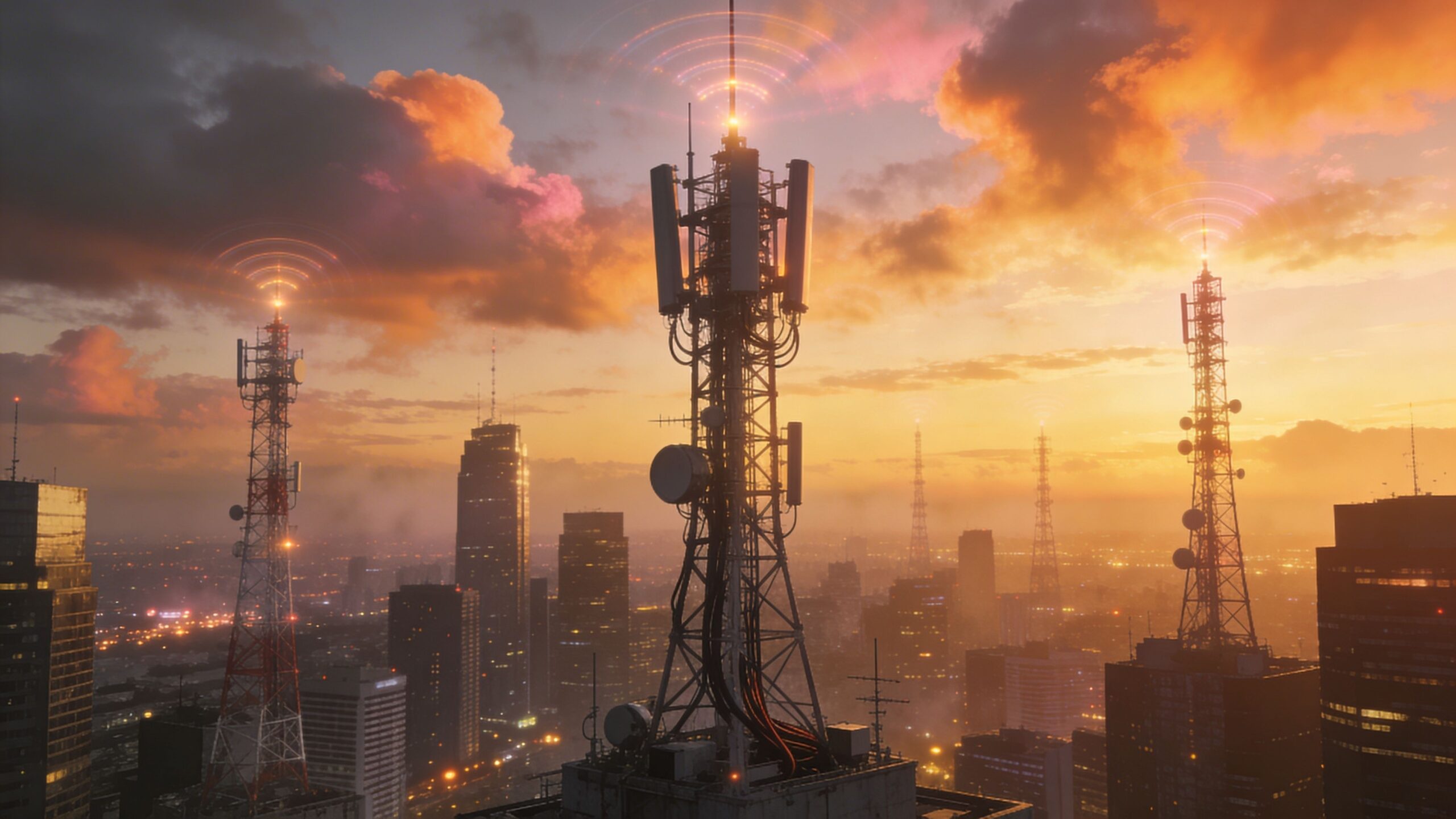
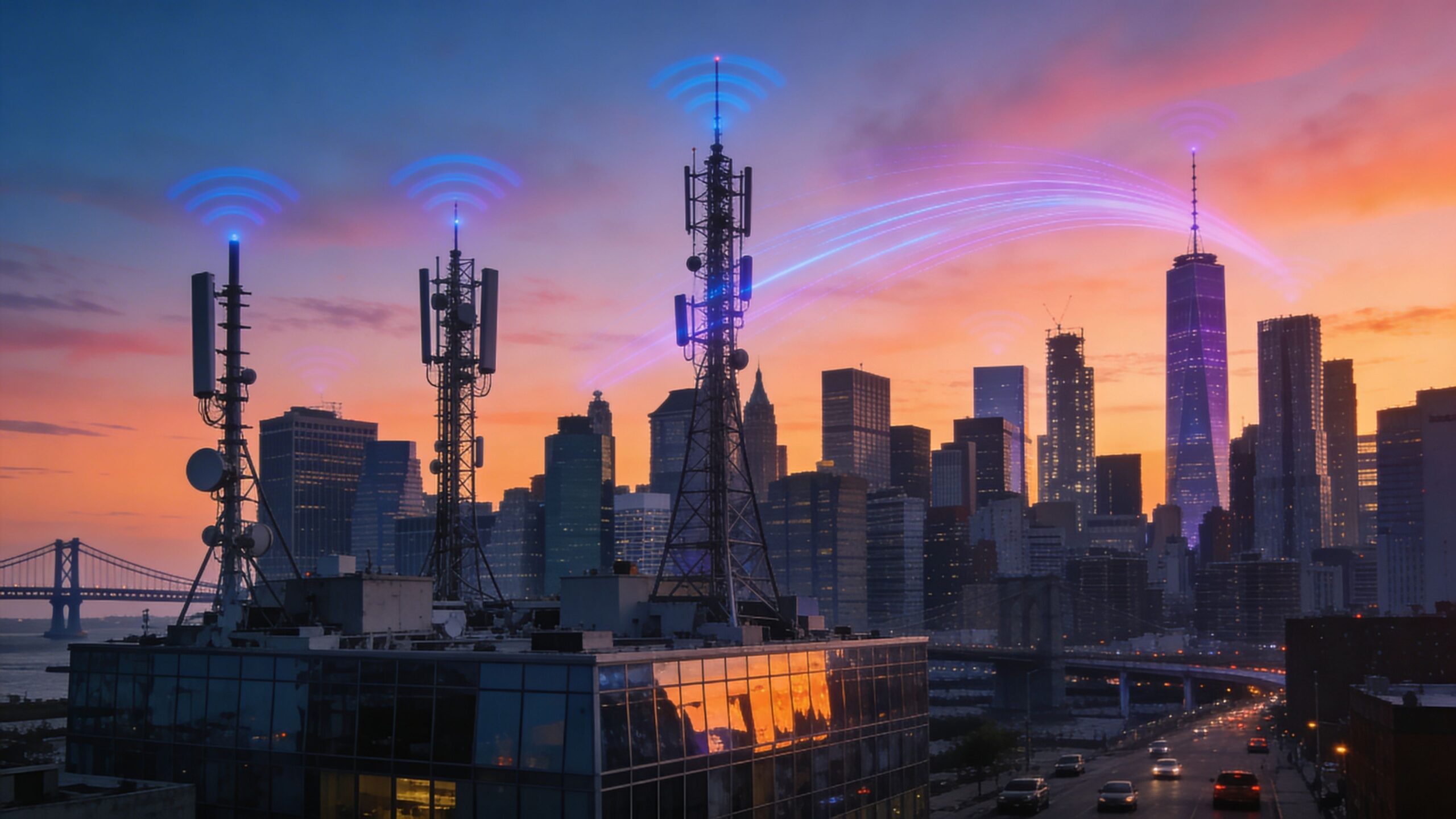
A cell tower is more than a tall structure with antennas. It’s a radio system designed to share limited spectrum across many devices at once. When you load a site or stream a clip, the tower doesn’t give you a fixed “pipe” forever; it schedules tiny slices of airtime to you, then to someone else, then back to you—thousands of times per second.
Modern networks use smart scheduling to give priority to the data flows that need it most in the moment. A short burst for a text message can be sent quickly, while a steady stream for video is paced smoothly to avoid buffering. This is why a busy location can slow you down: you’re still connected, but you’re competing for time on the air.
Step Four: Your Phone Talks to a Cell Site
The antenna you connect to is part of what’s often called the radio access network. This is the network’s “front door,” where phones, tablets, and connected devices enter the system. The radio equipment translates your device’s signals into standardized network traffic that can be transported deeper into the carrier’s infrastructure. If you’re on LTE, the main radio station is commonly called an eNodeB, and it coordinates your connection and the connections of countless others nearby. In 5G, you’ll hear about gNodeBs and small cells, but the principle is similar: radio equipment manages the air interface, keeps you synchronized, and hands your data off to the next stage.
Step Five: Backhaul Carries Your Data Away
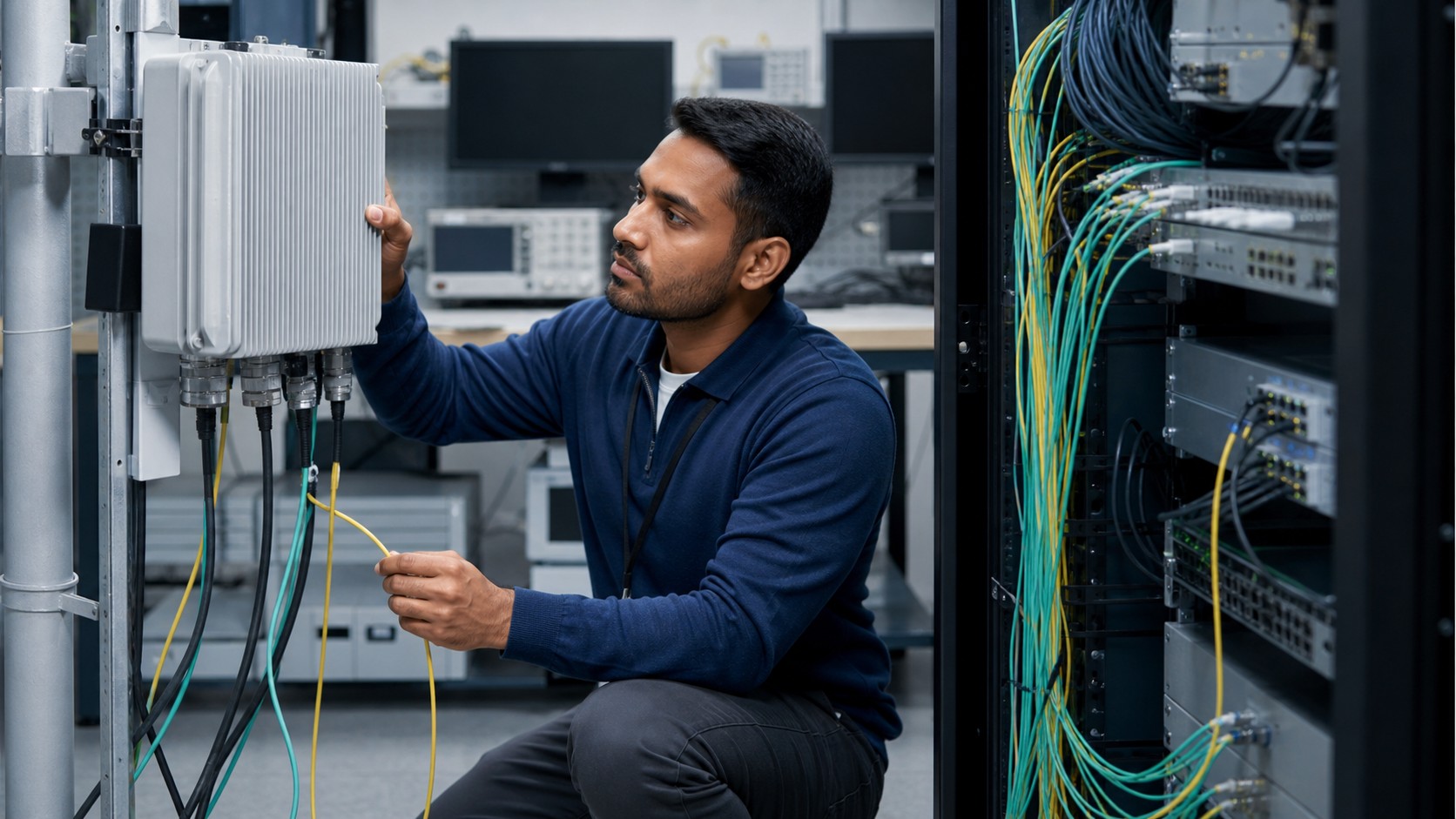
Once your data leaves the tower, it travels through backhaul—high-capacity transport links that connect cell sites to the carrier’s core network. In many areas, backhaul is fiber optic cable, capable of carrying huge amounts of data with low delay. In some places, especially remote or hard-to-wire areas, backhaul can also be microwave radio links that beam data between towers.
Backhaul matters because it can become a bottleneck. You might have a strong signal and a modern phone, but if the tower’s backhaul is congested or limited, your speed can still drop. It’s one of the hidden reasons coverage maps don’t always match real-world performance.
Step Six: The Core Network Routes You to the Internet
The core network is the carrier’s brain. It authenticates users, manages mobility, assigns IP addresses, enforces data policies, and routes traffic to the public internet or to private services. When you open a website, the core decides where your request should go and how to get it there efficiently. Your phone typically receives an IP address through the carrier’s systems, similar to how your home router assigns addresses in your house. From there, your phone becomes an internet endpoint—able to send and receive packets. The carrier core steers those packets through high-speed links to internet exchange points, content providers, or cloud networks.
Why Your Speed Changes While You Move
Mobile internet isn’t a single connection; it’s a moving relationship between your phone, the local radio environment, and the network’s current load. As you walk into a building, the signal can weaken because walls absorb or scatter radio energy. As you drive, your phone may switch towers, frequency bands, or network modes to maintain the best possible connection.
Speed also changes because the network is dynamic. A tower that feels fast at 8 a.m. can feel slow at 5 p.m. if a commuter wave hits the area. In crowded situations, the network might still keep you connected, but it must share radio resources among many users and prioritize reliability.
The Secret Role of Spectrum
Spectrum is the invisible real estate mobile networks depend on. Carriers operate in licensed frequency bands assigned by regulators, and each band behaves differently. Lower-frequency spectrum travels farther and penetrates buildings better, making it excellent for coverage. Higher-frequency spectrum can carry more data, but it tends to have shorter range and weaker building penetration. Modern networks combine multiple bands to balance coverage and speed. Your phone might use one band for uplink stability while using additional bands for faster downloads. That behind-the-scenes band selection is one of the reasons two phones can show “LTE” but experience different performance in the same area.
What “Bars” Actually Mean
Signal bars are not a universal measure of speed. They primarily reflect the strength and quality of the radio link between your phone and the tower, not the availability of network capacity. You can have strong bars but slow performance if the cell is congested, and you can sometimes have fewer bars but decent performance if the tower is quiet and the backhaul is strong.
Bars also don’t tell you what frequency band you’re using, how much spectrum the carrier has deployed there, or whether your phone is using advanced features like carrier aggregation. They’re useful for a quick glance, but they don’t reveal the full story of what your phone is experiencing.
LTE, 4G, and 5G: The Practical Difference
LTE is the workhorse of modern mobile networks and is widely associated with 4G performance. It introduced an “all-IP” approach that made mobile internet faster and more efficient, and it enabled high-quality voice calling through Voice over LTE. Even today, LTE often provides the baseline coverage layer that keeps devices connected nearly everywhere. 5G adds new capabilities and can provide higher peak speeds and lower latency in the right conditions, especially when enough spectrum and dense infrastructure are available. In many places, phones still rely on LTE for control signaling or for coverage when 5G is out of range. For most users, the experience is a blend: LTE provides stability, and 5G adds speed bursts where coverage is strong.
Latency: The Hidden Metric That Changes Everything
Speed gets most of the attention, but latency is what determines how “snappy” the internet feels. Latency is the delay between your phone sending a request and receiving a response. LTE significantly improved latency compared to older networks, making apps feel more responsive and making real-time services like navigation and video calls more reliable.
Latency can rise when the network is congested, when you’re far from the tower, or when your data must travel farther through the carrier’s core to reach a server. This is why two users with similar download speeds can still have very different experiences in gaming, video calls, or cloud apps.
Why Congestion Happens
Every cell has a limit: spectrum, scheduling capacity, and backhaul bandwidth. When too many users demand too much at once—think stadiums, festivals, airports, or rush hour corridors—the network must ration airtime. Most modern networks try to maintain fairness while keeping critical services stable. Carriers fight congestion by adding more spectrum, deploying more small cells, improving backhaul, and optimizing traffic management. But congestion will always exist in some form, because mobile networks are shared by design. The goal is not to eliminate sharing, but to make sharing feel seamless.
How Networks Keep You Connected While You Travel
One of the most impressive features of mobile networks is mobility management. As you move, your phone measures neighboring cells and reports what it sees. The network uses this information to decide when to hand you off from one cell to another, aiming to avoid interruptions.
A good handoff feels invisible. Your music keeps playing, your navigation continues, and your call doesn’t drop. This is possible because the network prepares the next connection before the current one fails, then shifts your session over in a controlled way. In fast-moving scenarios like highways, mobility tuning becomes a major engineering challenge.
Security: Your Connection Is More Protected Than It Looks
Mobile networks are built around identity and encryption. From the initial authentication to the encrypted radio link, the system is designed to make sure your traffic isn’t casually readable over the air. Security isn’t perfect, but the modern mobile model is far more robust than early cellular generations. Beyond encryption, carriers monitor for anomalies, attempt to detect suspicious behavior, and enforce policies that protect users and infrastructure. When you move between cells or switch between LTE and 5G, your security context is maintained so your session can continue without forcing you to “log in” again.
The Real-World Path of a Single Web Page
When you tap a link, your phone sends a tiny request that becomes a packet stream. Those packets ride radio waves to a cell site, travel through backhaul to the core, get routed toward the destination server, and return along the same general path. If the website uses a nearby content delivery server, the trip can be very fast; if it’s farther away or under load, it can take longer.
Your phone is also doing work locally—resolving domain names, negotiating secure connections, and buffering content. Much of what feels like “network speed” is actually the combined performance of the radio link, the carrier network, and the server you’re reaching.
Why Mobile Internet Sometimes Feels Better Than Wi-Fi
Wi-Fi is often fast, but it can struggle with interference from neighboring networks, crowded channels, or weak routers. Mobile networks, by contrast, operate on licensed spectrum and are managed centrally with professional optimization. In some environments, LTE can feel steadier than a poor Wi-Fi setup, especially when the Wi-Fi signal is weak or the router is overloaded. That said, Wi-Fi can outperform mobile networks when it’s properly configured and connected to a strong broadband line. The best connection depends on the local environment, the quality of the network equipment, and how many people are competing for the same resources.
The Big Picture: A Massive System Built for Motion
Mobile networks connect your phone to the internet by turning movement into a design feature rather than a limitation. They orchestrate identity, encryption, spectrum management, tower scheduling, fiber transport, and core routing so your apps can behave as if you’re always plugged in.
Once you understand the system, the little mysteries start making sense. Speed changes because the air is shared. Coverage changes because spectrum behaves differently. And reliability comes from a network that’s constantly predicting where you’ll be next, so your connection follows you—quietly, relentlessly, and at internet scale.