Wi-Fi 7 Can Be Extremely Fast, but Ethernet Still Delivers the Steadier Link
Wi-Fi 7 and Ethernet are often compared as if one must replace the other, but they solve different connection problems. Wi-Fi 7 raises the ceiling for wireless networking with wider channels, stronger modulation, multi-link operation, and better handling of busy radio environments. Ethernet wins by removing the radio environment from the equation. A wired link does not care how many neighbors are using nearby channels, whether a wall blocks the desk, or whether a laptop moved into a weak corner. The best answer depends on the device, the room, the internet plan, the local network, and whether speed or predictability matters more for the task.
A: Distance, walls, interference, and mesh backhaul are common causes.
A: Test with Ethernet first so you know whether the provider or Wi-Fi is the bottleneck.
A: No. It can be faster nearby, but it has shorter range through walls.
A: No. They help coverage only when nodes are placed where they can still hear each other well.
A: Yes. It is still the steadier choice for gaming, workstations, and backhaul.
A: Yes. Older clients can limit their own speed and sometimes use airtime inefficiently.
A: Usually one name is fine, but separate names can help troubleshoot stubborn devices.
A: Open, central, elevated, and away from metal or dense obstructions.
A: More household and neighborhood traffic can expose capacity limits.
A: Restart once, update firmware, then test near the router and in the slow room.
Peak Speed Is Not the Same as Useful Speed
Wi-Fi 7 has a much higher technical ceiling than older wireless generations, and that matters. With compatible clients, clean spectrum, short distance, and a strong router, it can deliver multi-gigabit local performance that once sounded unrealistic for home Wi-Fi. The standard also targets better latency behavior, so the upgrade is not only about larger speed-test numbers.
The catch is that Wi-Fi ratings describe ideal radio conditions and often combine capacity across bands, streams, and clients. A single laptop in a real room does not automatically receive the full headline number. Walls, distance, neighboring networks, device antennas, channel width, router placement, firmware, and the internet plan behind the router all shape the result.
Ethernet is easier to interpret. A 1GbE port, 2.5GbE port, 5GbE port, or 10GbE port gives a clearer local limit, assuming the cable and devices support that speed. It is not magic, but it is more predictable. If a desktop has a working 2.5GbE link to a switch, the local path is usually less variable than a wireless connection trying to hold a wide channel across a busy room.
That means Wi-Fi 7 can be faster than basic gigabit Ethernet in the right setup, especially for short-range transfers to a wired multi-gig router or storage device. Ethernet becomes the speed leader again when the wired network uses 10GbE or faster, or when the wireless environment is crowded enough to reduce sustained throughput.
Useful speed is the speed a device can hold while doing real work. Downloading a game, copying a video project, backing up a laptop, joining a video call, or moving files to a NAS all reveal different parts of the network. The better comparison is not the largest theoretical number. It is the sustained result for the task you actually care about.
Ethernet Still Sets the Consistency Standard
Ethernet's biggest advantage is not always peak speed. It is consistency. A healthy wired link is not competing with microwave ovens, neighboring routers, Bluetooth devices, thick walls, reflections, or a client wandering away from the access point. The cable creates a controlled path between the device and the switch or router.
That control improves latency and jitter. Latency is the delay between sending and receiving data, while jitter is the variation in that delay. A network can have a fast average speed and still feel bad if packets arrive unevenly. Online games, voice calls, remote desktops, live streams, and video conferences often care more about steadiness than about maximum throughput.
Ethernet also avoids shared wireless airtime. Wi-Fi clients must coordinate access to the channel, and slower or more distant devices can consume more airtime to move the same amount of data. A switch can keep several wired devices moving without forcing them all through one radio channel.
Wired networking is not immune to problems. Damaged cables, poor terminations, failing ports, overheated switches, and mismatched link speeds can all cause trouble. The difference is that wired problems are usually more direct to test. Replace the cable, check the port speed, move ports, and the fault often becomes visible.
For stationary equipment, this predictability is valuable. Desktops, game consoles, smart TVs, network storage, security recorders, access points, and work docks often sit in one place for years. If a cable can reach them cleanly, Ethernet gives those devices a stable foundation and leaves wireless capacity for the devices that truly need to move.
Wi-Fi 7 Changes the Wireless Ceiling
Wi-Fi 7 is still a meaningful jump. The IEEE 802.11be generation was designed for extremely high throughput and improved worst-case latency and jitter, while staying compatible with older 2.4 GHz, 5 GHz, and 6 GHz Wi-Fi devices. In practical terms, it gives modern routers more tools for speed, capacity, and responsiveness.
The most visible improvement is wider channel support, especially in 6 GHz where regulations and device support allow it. Wider channels can carry more data, but they also need cleaner spectrum. In a quiet room near the router, that can produce excellent speed. In a dense apartment building, the best channel plan may be more conservative.
4096-QAM is another improvement, but it needs strong signal quality. It packs more information into each symbol than older modulation, which raises efficiency when the radio path is clean enough. When conditions weaken, the connection steps down to more robust modes. That adaptation is normal and helps the link survive real rooms.
Multi-link operation is especially interesting because it can let compatible devices use multiple bands or links more intelligently. That may improve flexibility, latency, and resilience compared with older single-link behavior. It does not erase physics, but it gives the system more choices when one path is busy or less favorable.
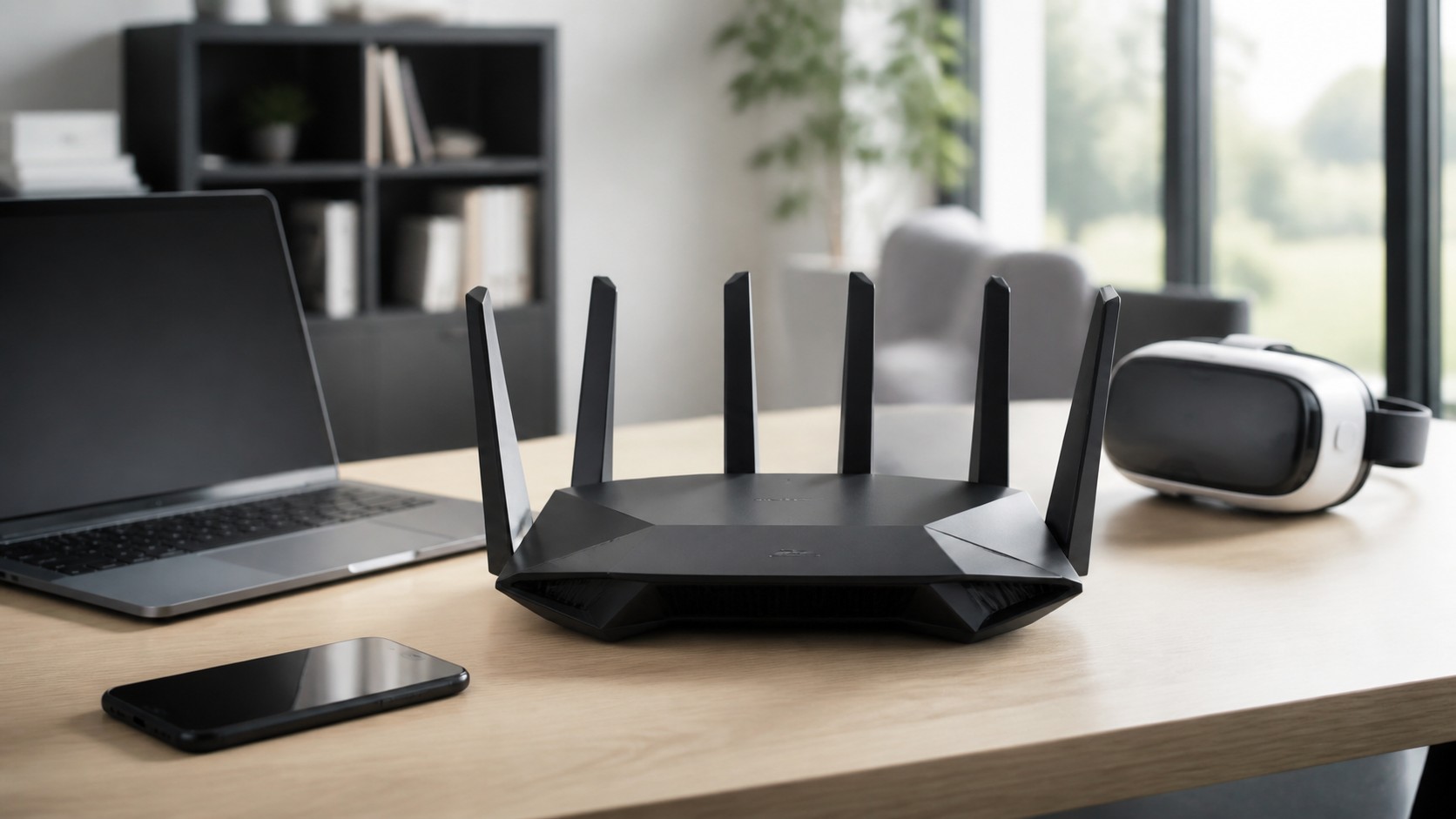
These gains make Wi-Fi 7 excellent for modern mobile devices, high-speed laptops, AR or VR gear, dense homes, and mesh systems that need stronger wireless links. It is not merely a marketing label. It is a better wireless toolkit, as long as the router, client, spectrum, and backhaul support the promise.
The Network Behind the Link Can Be the Bottleneck
Many speed arguments miss the bottleneck behind the access link. A Wi-Fi 7 phone and a multi-gig Ethernet desktop can both feel limited if the internet plan is 500 Mbps, the modem port is 1GbE, or the router's WAN port cannot pass the full service speed. The fastest local connection cannot outrun a slower upstream path.
The same logic applies inside the home or office. A Wi-Fi 7 laptop copying files to a NAS needs the access point, switch, NAS port, disk system, and client radio to cooperate. If the NAS has a 1GbE port, the wireless link may not be the limit. If the switch uplink is saturated, both wired and wireless devices can slow down.
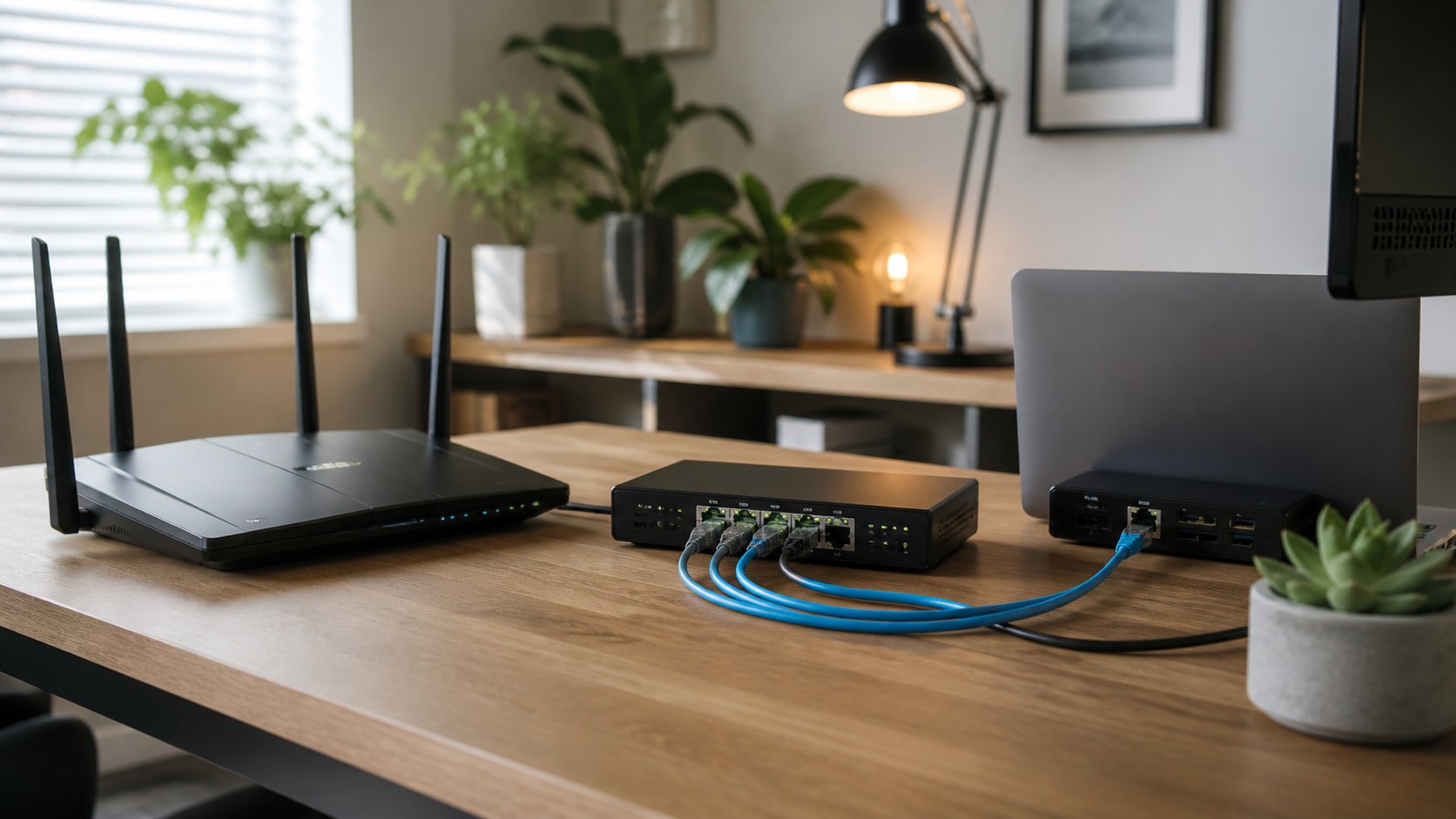
Backhaul is especially important for mesh and multi-access-point networks. A wireless mesh node may advertise high client speeds, but it still needs a path back to the main router. If that path is another shared wireless hop, some capacity is spent carrying traffic upstream. Ethernet backhaul gives the access point a cleaner route and preserves wireless airtime for client devices.
This is why multi-gig ports matter on premium Wi-Fi 7 equipment. A router with excellent wireless radios but only gigabit Ethernet ports may cap wired backhaul, fast broadband, or LAN transfers. For many households that is still fine, but it changes the answer when comparing Wi-Fi 7 with Ethernet.
A fair comparison maps the whole path. Device to access point, access point to switch, switch to router, router to modem or ONT, and then out to the service provider. For local storage, replace the internet with the NAS or server. Once the whole path is visible, the faster technology is often less mysterious.
Reliability Comes From Fewer Variables
Reliability is where Ethernet keeps its plain, stubborn appeal. A cable either negotiates the expected link or it does not. Once working, it tends to behave the same at midnight, at dinner time, and when a neighbor installs a new router. That stability is why network engineers still wire access points, servers, cameras, and core equipment whenever practical.
Wi-Fi has more variables because the environment is part of the network. A person closing a door, moving a laptop, adding a monitor dock, changing router placement, or using a crowded channel can change performance. Wi-Fi 7 reduces some pain, but it cannot make radio behave like copper or fiber.
The result shows up as retries, fluctuating rates, roaming pauses, and uneven latency. A user may only notice that a call stutters or a game feels off, but the underlying issue can be a wireless link working harder to recover from imperfect conditions. Ethernet avoids many of those recovery moments.
Security and control can also favor wired links for certain devices. A wired port in a locked office or network closet is not automatically secure, but it narrows the attack surface compared with broadcasting a signal beyond the walls. Enterprises still need authentication, segmentation, monitoring, and policy, but the physical link gives administrators another boundary to manage.
Reliability does not mean every device should be wired. It means the most sensitive or stationary tasks deserve the most controlled path. A laptop used around the house benefits from Wi-Fi 7. A workstation editing large files from a NAS may deserve Ethernet. The network becomes stronger when each technology is assigned the jobs it handles best.
Mobility Is Where Wi-Fi 7 Wins
Ethernet cannot compete with Wi-Fi for mobility. Phones, tablets, handheld gaming devices, smart home controllers, and laptops carried from room to room need wireless access. Wi-Fi 7 improves that experience by giving newer devices more capacity and better tools for busy environments.
Wireless also solves practical building problems. Running cable through finished walls, rented apartments, historic homes, warehouses, or temporary offices can be expensive or unrealistic. Wi-Fi 7 lets users bring high-speed networking to places where a wired port is not available.
Convenience has real value. A conference room full of laptops, a classroom of tablets, a living room with guests, or a home office that changes layout every few months all benefit from strong wireless service. Ethernet is excellent for fixed endpoints, but it is awkward when the device or room keeps changing.
Wi-Fi 7 also helps when the network has many modern wireless clients at once. Better scheduling, cleaner 6 GHz use, and multi-link features can reduce congestion compared with older equipment. The improvement is most visible when the old router was struggling.
The practical mistake is expecting mobility and absolute predictability from the same link. Wi-Fi 7 gives freedom with impressive performance. Ethernet gives steadiness with a physical tether. Most homes and small offices need both because people move and important infrastructure stays put.
Best Home and Small Office Setup
The strongest setup is usually hybrid. Use Ethernet for the backbone and Wi-Fi 7 for access. That means wiring the router, switches, access points, desktops, storage, game consoles, streaming boxes, and work docks when reasonable, then letting Wi-Fi serve phones, tablets, mobile laptops, and rooms where cabling does not make sense.
For a new Wi-Fi 7 router, check the ports before buying. A fast wireless radio paired with only gigabit ports may be enough for ordinary broadband, but it may limit multi-gig internet or fast local transfers. A 2.5GbE WAN or LAN port is increasingly useful, and 10GbE matters for heavier storage or office workflows.
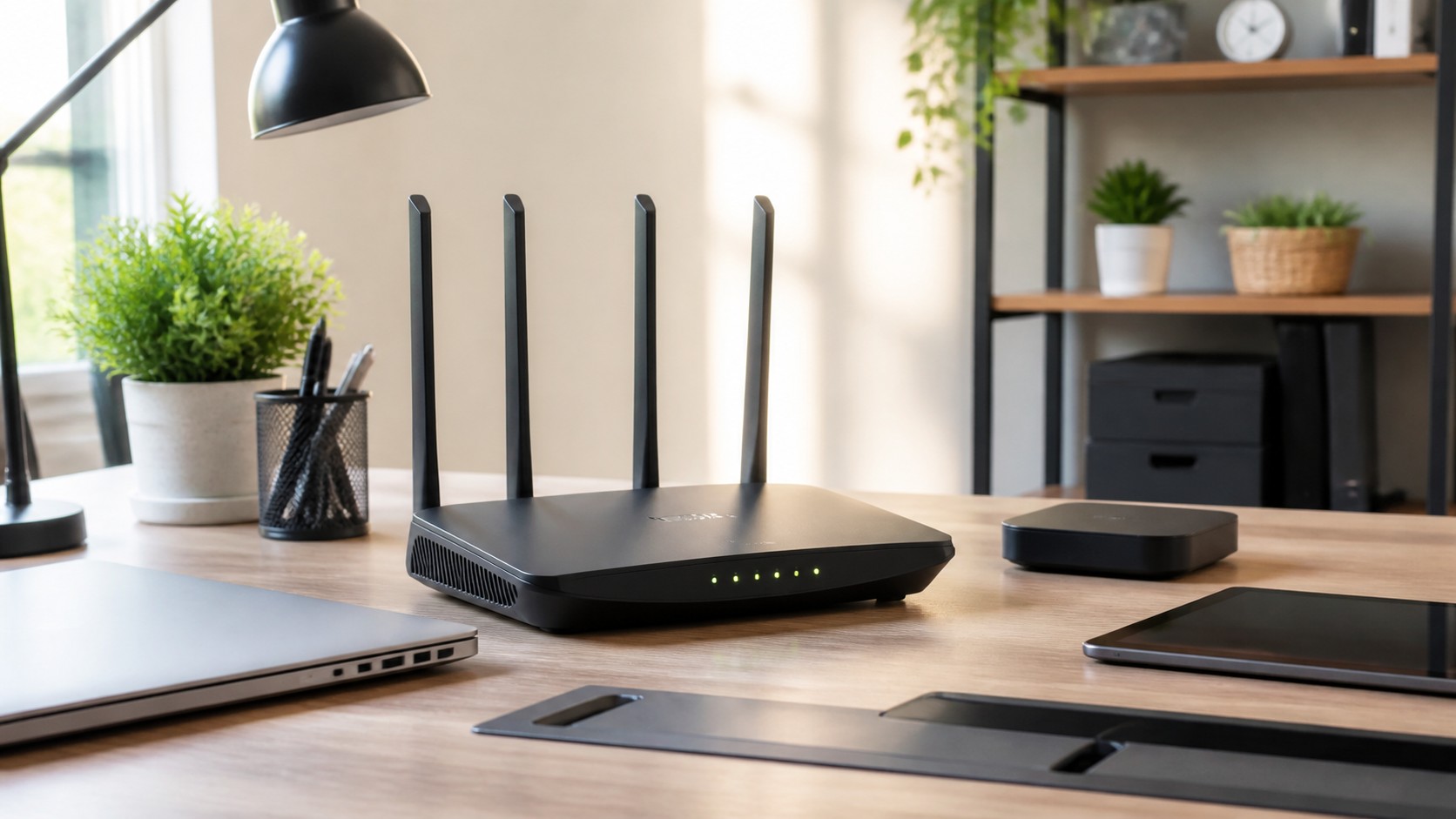
Access point placement matters as much as the standard. A Wi-Fi 7 access point behind a cabinet can perform worse than a well-placed older unit. Put radios where people need coverage, keep them away from interference, and use Ethernet backhaul whenever the building allows it.
Testing should include both speed and feel. Run a wired test to confirm the internet service and router path. Then test Wi-Fi near the router, in normal rooms, and during busy hours. Watch upload speed, latency, packet loss, and call stability, not only downloads.
For small offices, think in roles. Wire shared printers, conference room displays, docks, network storage, security equipment, and access points. Use Wi-Fi 7 for staff devices and guest access. Segment guests and sensitive devices properly so convenience does not create unnecessary exposure.
Practical Verdict
Wi-Fi 7 can be faster than the Ethernet many people currently use, especially if that Ethernet is limited to 1GbE and the wireless setup is modern, close, and connected to a multi-gig backbone. It is a major wireless upgrade and can make high-speed local networking feel much less tied to a desk.
Ethernet is still more reliable in the everyday engineering sense. It has fewer environmental variables, steadier latency, lower jitter, less packet loss, and clearer troubleshooting. A wired link is the safer choice for the devices and tasks where interruption is costly.
The best decision is not Wi-Fi 7 or Ethernet as a winner-take-all contest. Use Wi-Fi 7 where mobility, convenience, and flexible placement matter. Use Ethernet where predictability, backhaul, storage, gaming, conferencing, or workstation performance matter most.
If you are upgrading, start with the bottlenecks. Check the internet plan, router ports, switch speeds, access point backhaul, client capabilities, and cable quality. Then decide which devices deserve wires and which will benefit most from Wi-Fi 7.
In the real world, Wi-Fi 7 and Ethernet are partners. Ethernet gives the network a stable spine. Wi-Fi 7 gives modern devices room to move. Together, they create a faster and more reliable network than either one used alone.