The Next Era of Wireless Has Arrived
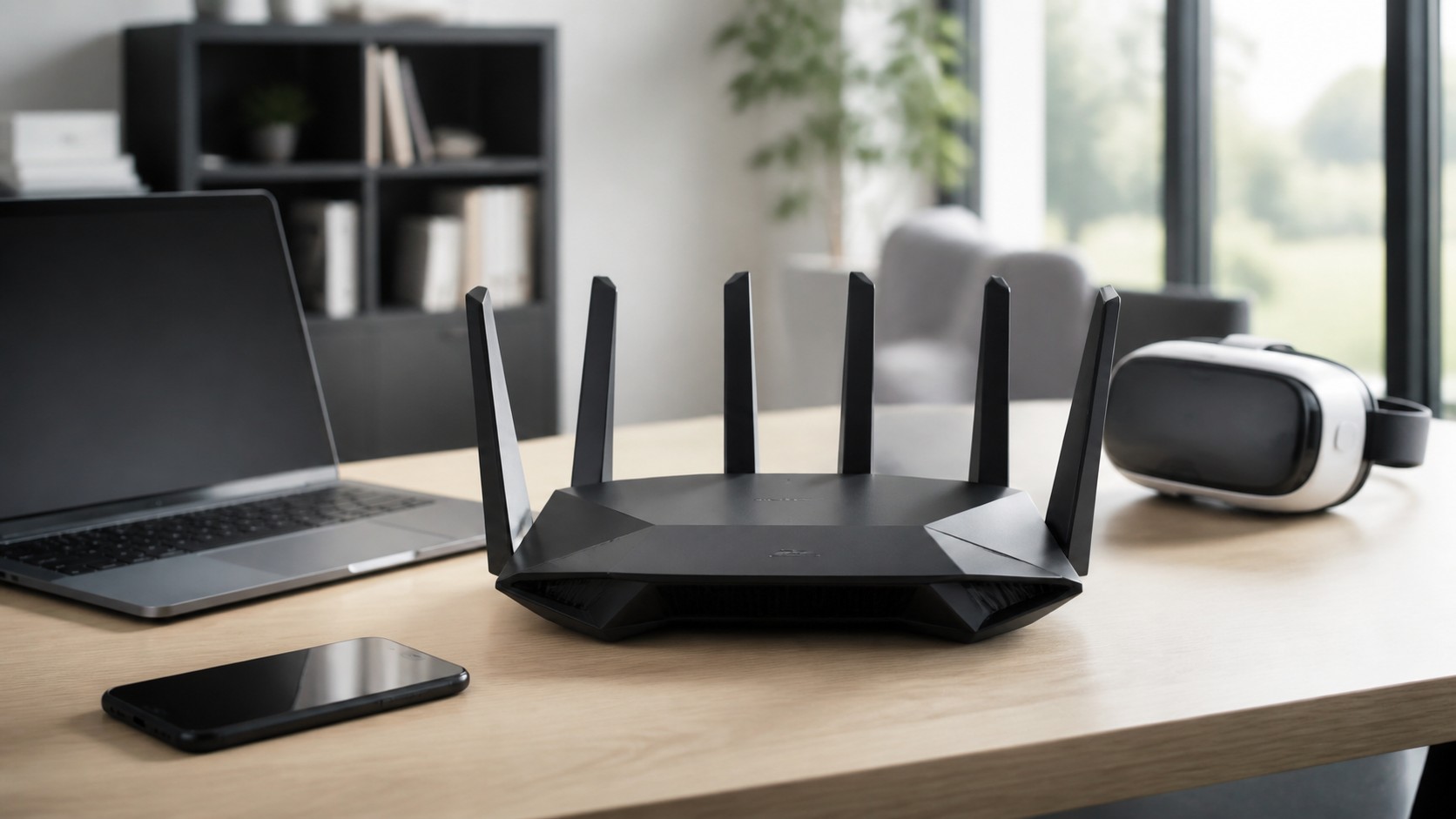
Wi-Fi 7 is more than another number on a router box. It is the next major evolution of wireless networking, designed for a world where homes, offices, schools, factories, and entertainment spaces are packed with connected devices. From 8K streaming and cloud gaming to augmented reality, smart home automation, video conferencing, and massive file transfers, modern networks are under more pressure than ever. Officially known as IEEE 802.11be, Wi-Fi 7 is built around the idea of Extremely High Throughput. Wi-Fi Alliance launched Wi-Fi CERTIFIED 7 in January 2024, bringing certification to products using major Wi-Fi 7 features such as 320 MHz channels, 4K QAM, and Multi-Link Operation.
A: Distance, walls, interference, and mesh backhaul are common causes.
A: Test with Ethernet first so you know whether the provider or Wi-Fi is the bottleneck.
A: No. It can be faster nearby, but it has shorter range through walls.
A: No. They help coverage only when nodes are placed where they can still hear each other well.
A: Yes. It is still the steadier choice for gaming, workstations, and backhaul.
A: Yes. Older clients can limit their own speed and sometimes use airtime inefficiently.
A: Usually one name is fine, but separate names can help troubleshoot stubborn devices.
A: Open, central, elevated, and away from metal or dense obstructions.
A: More household and neighborhood traffic can expose capacity limits.
A: Restart once, update firmware, then test near the router and in the slow room.
What Is Wi-Fi 7?
Wi-Fi 7 is the successor to Wi-Fi 6 and Wi-Fi 6E. While Wi-Fi 6 focused heavily on efficiency and better performance in crowded environments, Wi-Fi 7 pushes wireless networks toward much higher speed, lower latency, and more flexible use of available spectrum.
The easiest way to understand Wi-Fi 7 is to imagine a highway system. Wi-Fi 6 widened the roads and improved traffic flow. Wi-Fi 6E opened a new 6 GHz express lane. Wi-Fi 7 adds wider lanes, smarter routing, faster vehicles, and the ability to travel on multiple roads at the same time.
How Fast Is Wi-Fi 7?
The headline number is huge: Wi-Fi 7 can theoretically reach speeds far above Wi-Fi 6. Wi-Fi 6 has a theoretical maximum of about 9.6 Gbps, while Wi-Fi 7’s theoretical ceiling is often described around 46 Gbps under ideal conditions. Real-world performance will be much lower, but the jump is still substantial. For everyday users, that means faster downloads, smoother video calls, stronger multi-device performance, and quicker transfers between local devices. A Wi-Fi 7 laptop connected to a compatible router may not reach the maximum advertised speed, but it can still feel dramatically faster than older Wi-Fi networks when conditions are right.
Why Wi-Fi 7 Feels Different
Speed is only part of the story. Wi-Fi 7 is designed to make wireless feel more consistent. Older Wi-Fi networks can be fast one moment and frustrating the next, especially when several people are streaming, gaming, uploading, and using smart devices at the same time.
Wi-Fi 7 improves this by using spectrum more intelligently. It can use wider channels, carry more data per transmission, and reduce delays through better coordination. The result is not just higher peak speed, but a smoother experience when your network is busy.
320 MHz Channels: Wider Roads for Data
One of Wi-Fi 7’s biggest upgrades is support for 320 MHz channels in the 6 GHz band. Wi-Fi 6E supports channels up to 160 MHz, so Wi-Fi 7 effectively doubles the maximum channel width. Wider channels allow more data to move at once, especially when paired with modern devices close enough to the router. This matters most for high-bandwidth uses. Large downloads, local file transfers, high-resolution streaming, and wireless workstation setups can all benefit. However, availability depends on regional spectrum rules, router design, and whether your devices support the feature.
4K QAM: Packing More Data Into Each Signal
Wi-Fi 7 also introduces 4096-QAM, often called 4K QAM. This allows each wireless signal to carry more data than Wi-Fi 6 and Wi-Fi 6E’s 1024-QAM. In ideal conditions, 4K QAM can improve data density and increase throughput, especially when a device is near the router with a strong signal.
The key phrase is “ideal conditions.” Higher QAM levels need cleaner signals. If you are far from the router, behind several walls, or in an interference-heavy environment, the network may fall back to more reliable transmission methods.
Multi-Link Operation: The Signature Wi-Fi 7 Feature
Multi-Link Operation, or MLO, may be Wi-Fi 7’s most exciting feature. Traditional Wi-Fi connections usually rely on one band or channel at a time. MLO allows compatible devices to use multiple bands or channels more flexibly, which can improve speed, reduce latency, and increase reliability. Imagine a device using both a fast 6 GHz connection and a reliable 5 GHz connection, switching or combining links depending on network conditions. That flexibility can make Wi-Fi feel less fragile, especially in homes and offices with many connected devices.
Lower Latency for Gaming, AR, and Video Calls
Latency is the delay between an action and a response. For browsing websites, a little delay may not matter much. For gaming, video conferencing, VR, AR, and cloud computing, it matters a lot.
Wi-Fi 7 is built to reduce latency by improving how devices access the network and how data moves across bands. This can make cloud gaming more responsive, video calls more stable, and immersive applications feel more natural.
Better Performance in Crowded Networks
Modern homes are crowded with wireless devices. Phones, laptops, tablets, smart TVs, cameras, speakers, thermostats, doorbells, appliances, game consoles, and wearables all compete for airtime. Wi-Fi 7 is designed for this reality. Its wider channels, MLO, improved scheduling, and advanced modulation help keep traffic moving. For apartments, office buildings, campuses, and dense neighborhoods, Wi-Fi 7 can provide a more graceful way to handle congestion.
Does Wi-Fi 7 Use 6 GHz?
Yes, Wi-Fi 7 can use the 2.4 GHz, 5 GHz, and 6 GHz bands. The 6 GHz band is especially important because it offers cleaner spectrum and room for wider channels. Wi-Fi 6E introduced consumer access to 6 GHz, while Wi-Fi 7 takes greater advantage of it.
The tradeoff is range. Higher-frequency 6 GHz signals can be very fast, but they do not travel through walls as well as 2.4 GHz signals. That is why router placement and mesh design still matter.
Wi-Fi 7 vs Wi-Fi 6E
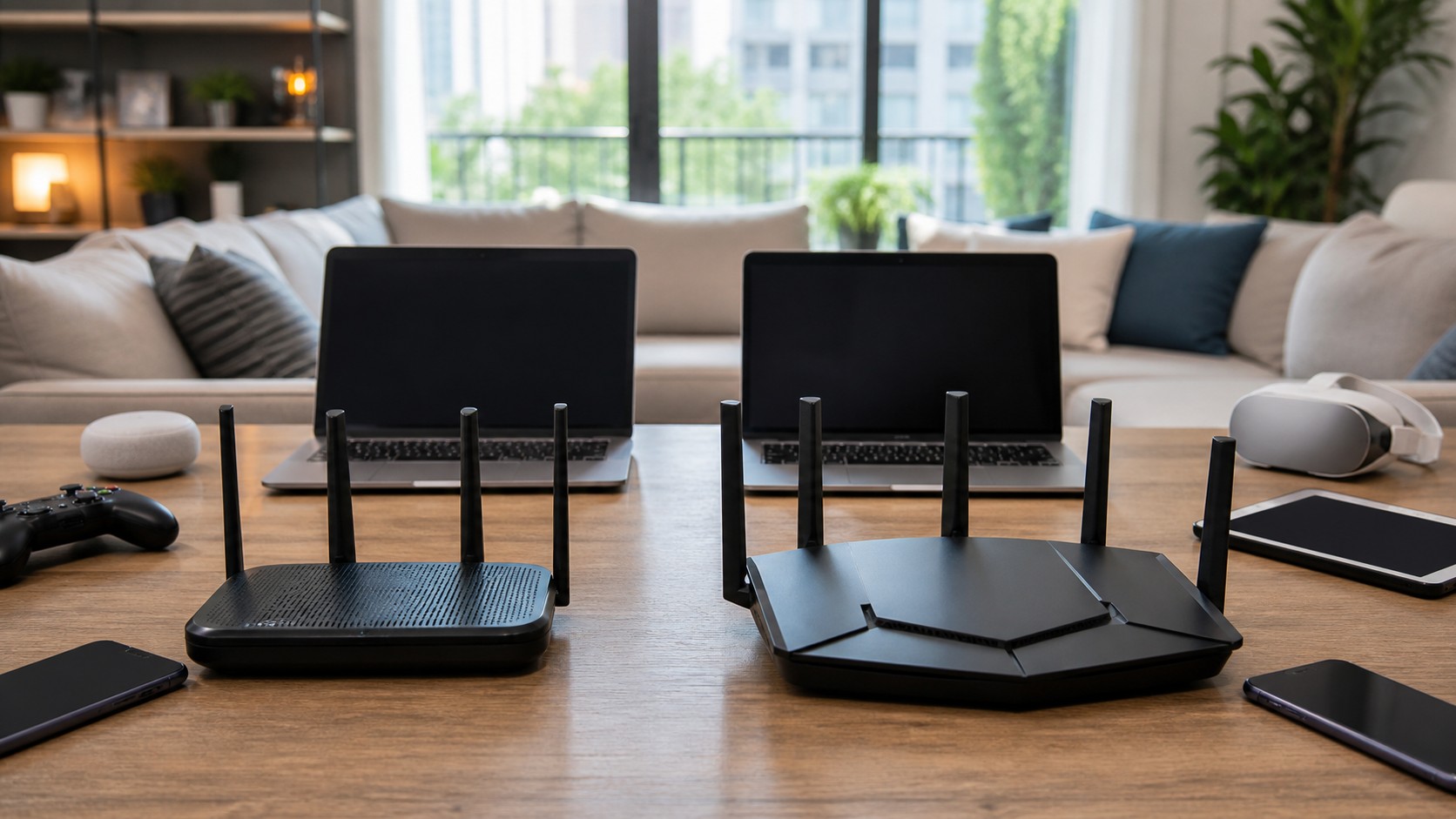
Wi-Fi 6E added the 6 GHz band to Wi-Fi 6 technology. Wi-Fi 7 builds on that foundation with wider 320 MHz channels, 4K QAM, Multi-Link Operation, and better overall efficiency. If Wi-Fi 6E was the opening of a new wireless lane, Wi-Fi 7 is the high-performance traffic system built to use that lane more aggressively. Wi-Fi 6E is still excellent, but Wi-Fi 7 is the stronger long-term standard for high-end networks.
Wi-Fi 7 Release Timeline
Wi-Fi 7 development began before many consumers had even adopted Wi-Fi 6E. Router makers and chip companies started releasing early Wi-Fi 7 hardware before final standardization, while certification helped give buyers more confidence.
Wi-Fi Alliance launched Wi-Fi CERTIFIED 7 in January 2024, which accelerated mainstream product adoption. Industry reporting in 2025 indicated that IEEE 802.11be was finalized in July 2025, helping hardware and firmware align with the finished standard.
By 2026, Wi-Fi 7 is no longer just experimental. It is appearing across premium routers, mesh systems, laptops, phones, motherboards, and high-end connected devices. The ecosystem is still maturing, but the release timeline has clearly moved from early adopter phase into broader availability.
Do You Need New Hardware?
Yes. To use Wi-Fi 7 features, you need a Wi-Fi 7 router and Wi-Fi 7 client devices. A Wi-Fi 7 router will still support older devices, but those older devices will connect using their own supported standards.
This means upgrading only your router may not instantly transform every device in your home. Your Wi-Fi 6 laptop will not become a Wi-Fi 7 laptop. However, a new router may still improve network management, coverage, and backhaul performance depending on the system.
Is Wi-Fi 7 Backward Compatible?
Wi-Fi 7 is designed to work with older Wi-Fi generations. Your Wi-Fi 5, Wi-Fi 6, and Wi-Fi 6E devices should still connect to a Wi-Fi 7 router, assuming normal compatibility and security settings. Backward compatibility is essential because most homes upgrade devices gradually. You might buy a Wi-Fi 7 router in 2026, then slowly add Wi-Fi 7 phones, laptops, gaming systems, and smart devices over the next several years.
Who Benefits Most From Wi-Fi 7?
Wi-Fi 7 is most valuable for people who push their networks hard. Gamers, streamers, creators, remote workers, smart home enthusiasts, and households with many devices will see the clearest benefits.
It also makes sense for large homes using premium mesh systems, especially when wireless backhaul performance matters. Businesses, schools, studios, and shared workspaces can also benefit from better capacity and reliability.
Who Can Wait?
If your internet plan is modest, your router is fairly new, and your devices mostly use Wi-Fi 6, there is no urgent need to upgrade. Wi-Fi 6 remains fast and reliable for everyday browsing, streaming, video calls, and smart home use. Wi-Fi 7 becomes more compelling when your devices, internet plan, and usage patterns can actually take advantage of it. For many users, the best upgrade path is natural replacement rather than immediate replacement.
Wi-Fi 7 and Mesh Networks
Wi-Fi 7 could be especially important for mesh networking. Mesh systems rely on communication between nodes, and faster wireless backhaul can improve performance throughout the home.
A Wi-Fi 7 mesh system with strong 6 GHz backhaul can help deliver better speeds to distant rooms. Still, wired Ethernet backhaul remains excellent when available. Wi-Fi 7 narrows the gap, but good network design still matters.
Wi-Fi 7 for Smart Homes
Smart homes need reliability more than raw speed. Most smart bulbs, sensors, plugs, and cameras do not need enormous bandwidth, but they do need stable connections. Wi-Fi 7 helps by improving capacity and reducing congestion, especially when a household has dozens of connected devices. It will not make a basic smart plug dramatically faster, but it can make the overall network more resilient.
Wi-Fi 7 for Gaming and Streaming
Gaming and streaming are two of the biggest consumer use cases for Wi-Fi 7. For gaming, lower latency and better stability are the main advantages. For streaming, higher throughput and reduced congestion help support high-resolution video across multiple screens.
Wi-Fi 7 is also well suited for cloud gaming, VR streaming, and local game streaming from a PC or console. These use cases benefit from fast, low-latency wireless performance.
The Limits of Wi-Fi 7
Wi-Fi 7 is powerful, but it is not magic. Walls still weaken signals. Poor router placement still hurts coverage. Slow internet plans still limit download speeds. Older devices still operate at older standards. The best Wi-Fi 7 experience comes from a balanced setup: a strong router, compatible devices, a fast internet plan, thoughtful placement, and updated firmware.
Should You Upgrade to Wi-Fi 7 in 2026?
Upgrade to Wi-Fi 7 in 2026 if you are buying a new premium router, building a future-proof smart home, upgrading to multi-gig internet, using newer Wi-Fi 7 devices, or needing better performance for gaming, streaming, work, or dense device environments.
Wait if your current Wi-Fi 6 or Wi-Fi 6E setup is stable, your internet plan is below gigabit speeds, or most of your devices are older. Wi-Fi 7 is the future, but not everyone needs to rush into it.
Final Thoughts: Wi-Fi 7 Is the Foundation for the Next Connected Decade
Wi-Fi 7 represents a major step toward faster, smarter, and more responsive wireless networking. Its biggest upgrades—320 MHz channels, 4K QAM, Multi-Link Operation, and better latency handling—are designed for the way people actually use networks today. In 2026, Wi-Fi 7 is worth watching, worth understanding, and for many power users, worth buying. For everyone else, it is the standard that will quietly become normal over the next few years.