Understanding Wireless Networks
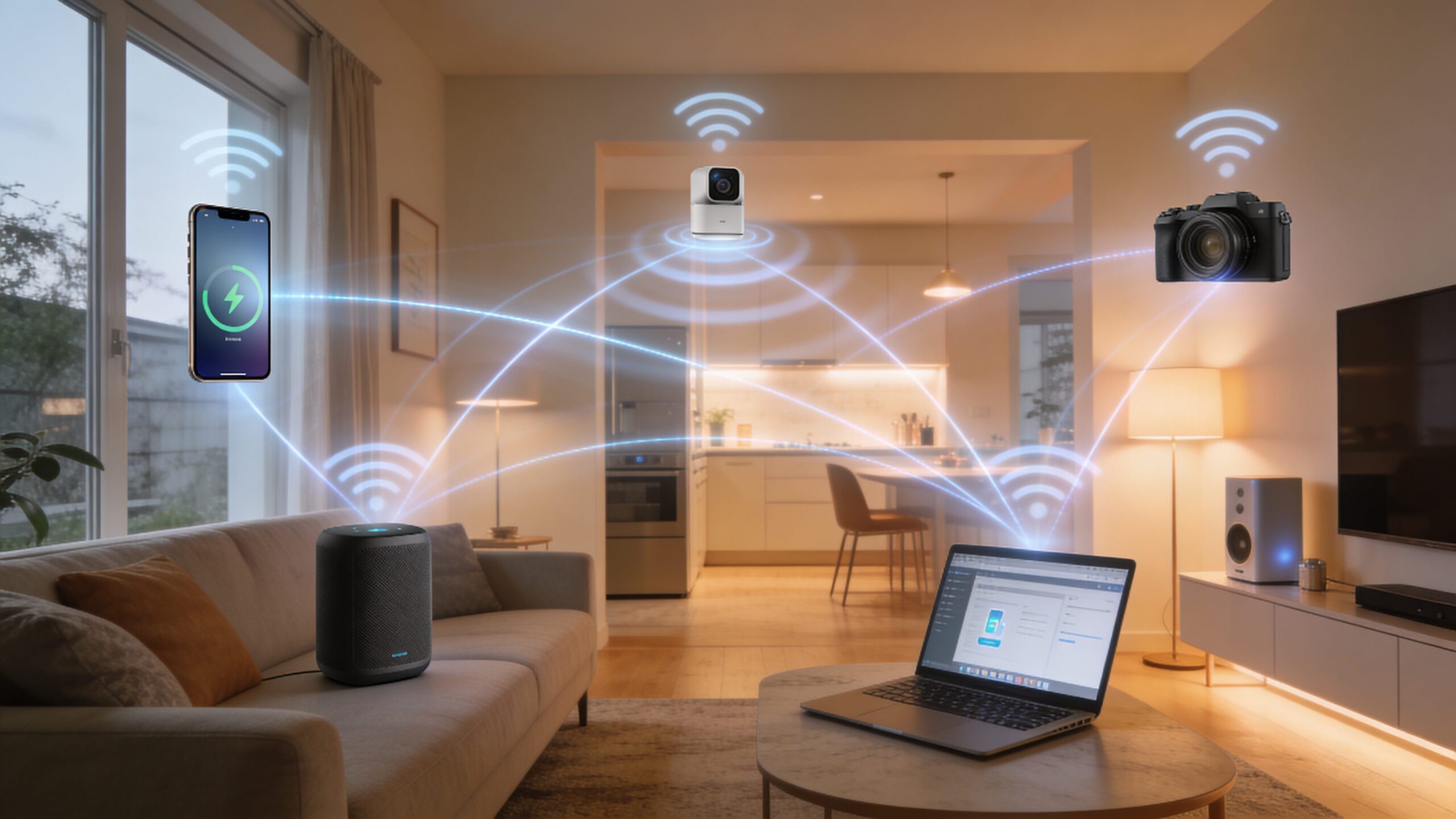
Wireless networks are the invisible infrastructure behind modern digital life. Every time a phone connects to Wi-Fi, a laptop joins a conference call, a smart thermostat updates its schedule, or a security camera streams footage to the cloud, a wireless network is doing the work. Instead of relying on physical cables for every connection, wireless networks use radio signals to move information through the air. This makes them flexible, convenient, scalable, and essential for homes, businesses, schools, hospitals, factories, airports, and entire cities. At the simplest level, a wireless network allows devices to communicate without being physically plugged into the same system. A router, access point, or cellular tower sends and receives signals, while phones, computers, sensors, and other devices interpret those signals as data. Behind this simple experience is a highly coordinated process involving frequencies, antennas, encryption, protocols, bandwidth, and network management. Wireless networking may feel automatic, but every connection depends on careful timing, clear signal paths, and smart traffic control.
A: Distance, walls, interference, and mesh backhaul are common causes.
A: Test with Ethernet first so you know whether the provider or Wi-Fi is the bottleneck.
A: No. It can be faster nearby, but it has shorter range through walls.
A: No. They help coverage only when nodes are placed where they can still hear each other well.
A: Yes. It is still the steadier choice for gaming, workstations, and backhaul.
A: Yes. Older clients can limit their own speed and sometimes use airtime inefficiently.
A: Usually one name is fine, but separate names can help troubleshoot stubborn devices.
A: Open, central, elevated, and away from metal or dense obstructions.
A: More household and neighborhood traffic can expose capacity limits.
A: Restart once, update firmware, then test near the router and in the slow room.
Why Wireless Networks Matter in 2026
Wireless networks matter more in 2026 because connectivity has expanded far beyond basic web browsing. Homes now depend on smart TVs, gaming consoles, security systems, voice assistants, tablets, laptops, wearables, and connected appliances. Businesses rely on cloud software, mobile workforces, video meetings, inventory systems, digital signage, and wireless point-of-sale tools. Industrial environments use wireless sensors, automation systems, predictive maintenance tools, and connected machines to keep operations running.
The growing number of connected devices means wireless networks must do more than simply provide internet access. They must support speed, reliability, low latency, security, and seamless roaming. A weak wireless network can interrupt video calls, slow cloud apps, drop smart home devices, and create frustrating dead zones. A strong wireless network, however, feels effortless. Devices stay connected, data moves smoothly, and users barely notice the technology working in the background.
How Wireless Networks Actually Work
Wireless networks work by converting digital data into radio signals. When you open a webpage, send a message, or stream a video, your device breaks that activity into packets of data. Those packets are encoded into radio waves and transmitted through an antenna. A router or wireless access point receives the signal, processes it, and forwards the data to the correct destination, usually through an internet connection. The process also works in reverse. When a website, video platform, or cloud service sends information back to your device, the router receives that data and broadcasts it wirelessly. Your device listens for the correct signal, decodes the information, and turns it into something usable on your screen. This happens rapidly and continuously, often thousands of times per second, creating the smooth experience people expect from modern connectivity.
Wi-Fi, Cellular, Bluetooth, and Other Wireless Technologies
Not all wireless networks are the same. Wi-Fi is the most familiar form for homes, offices, schools, and public spaces. It is designed for local-area networking, usually connecting devices within a building or defined coverage zone. Cellular networks, such as 4G and 5G, cover much larger areas using towers and carrier infrastructure. Bluetooth is designed for short-range communication between nearby devices like headphones, keyboards, speakers, and wearables.
Other wireless technologies serve specialized roles. Zigbee and Z-Wave are common in smart home systems because they use low power and can connect many simple devices. NFC enables extremely short-range interactions, such as tap-to-pay transactions. Satellite internet delivers wireless connectivity across remote areas where wired infrastructure may be limited. Each wireless technology is built around different priorities, including range, speed, power use, reliability, and cost.
The Role of Routers and Access Points
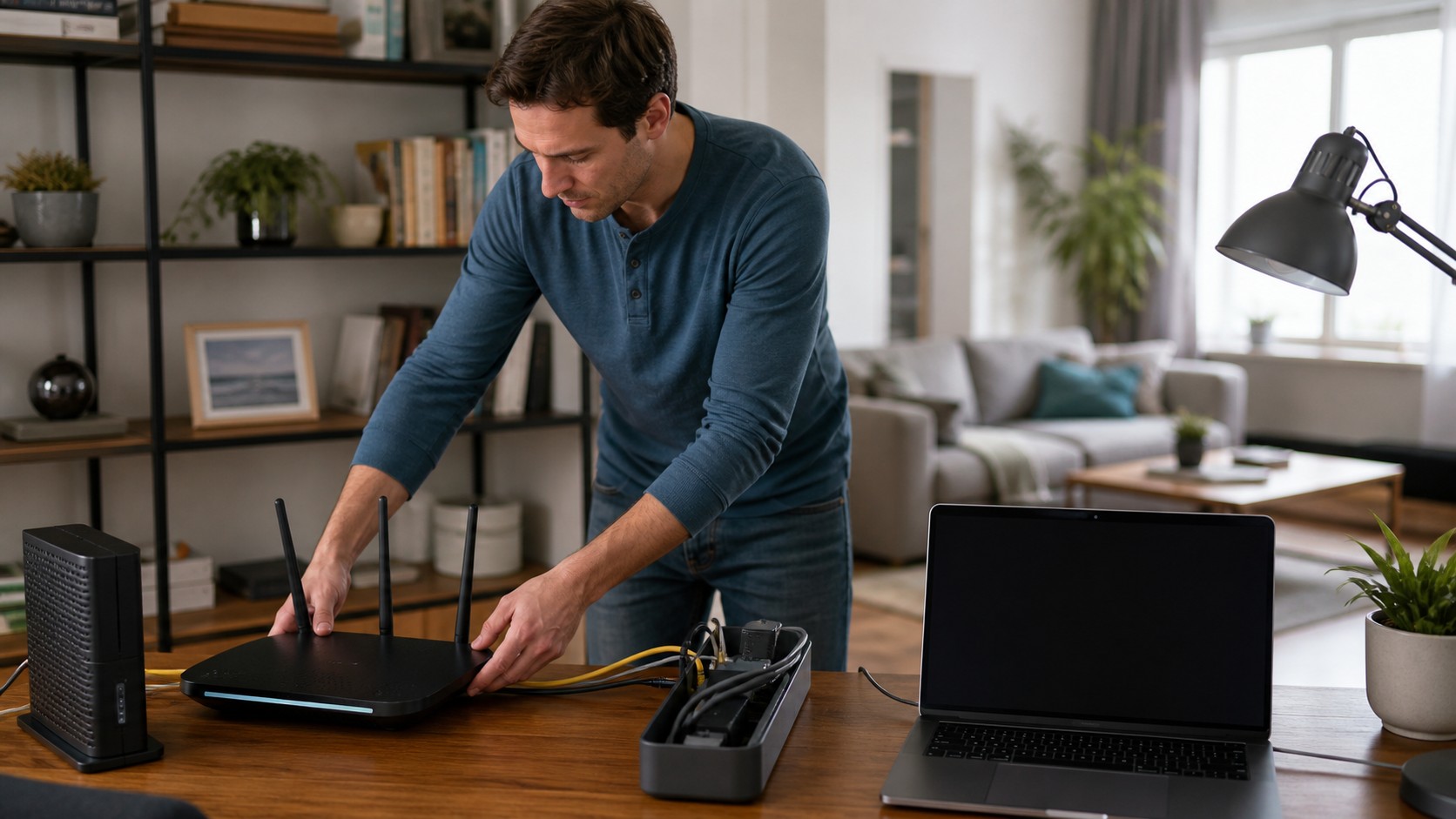
Routers and access points are central to most wireless networks. A router connects a local network to the internet and helps direct traffic between devices. In many homes, the router also includes built-in Wi-Fi, meaning it broadcasts the wireless signal itself. In larger environments, wireless access points are often installed throughout the building to provide broader, more reliable coverage. Access points are especially important in offices, hotels, schools, hospitals, warehouses, and large homes. Instead of forcing one router to cover an entire space, multiple access points can distribute the signal more evenly. This reduces dead zones, improves performance, and allows devices to roam more smoothly. A well-designed wireless network is not just about buying a powerful router; it is about placing the right equipment in the right locations.
Frequencies, Bands, and Channels
Wireless networks operate on radio frequencies. Most Wi-Fi networks use the 2.4 GHz, 5 GHz, and 6 GHz bands. The 2.4 GHz band travels farther and passes through walls better, but it is often crowded because many devices use it. The 5 GHz band usually provides faster speeds and less interference, but it does not travel as far. The 6 GHz band, used by newer Wi-Fi technologies, offers more open spectrum and higher performance in supported devices.
Channels are smaller slices within these frequency bands. When too many nearby networks use the same or overlapping channels, interference can occur. This is one reason Wi-Fi may perform poorly in apartment buildings, office towers, dorms, or dense neighborhoods. Modern routers often select channels automatically, but understanding bands and channels helps explain why placement, equipment age, and surrounding networks all affect performance.
Bandwidth, Speed, and Latency
Bandwidth is the amount of data a network can carry at once. Speed usually refers to how quickly data can move, while latency refers to delay. A network can have high speed but still feel sluggish if latency is poor. This matters for activities like video conferencing, online gaming, remote desktop tools, virtual reality, and real-time collaboration. Many people judge a wireless network only by download speed, but real performance is more complex. Upload speed matters for sending files, backing up photos, streaming video from cameras, and joining video calls. Latency matters for responsiveness. Stability matters for keeping connections from dropping. A good wireless network balances all of these factors so that everyday tasks feel smooth and dependable.
Why Wi-Fi Speeds Vary
Wi-Fi speeds vary because wireless signals are affected by distance, obstacles, interference, device capability, router quality, and network congestion. A device close to the router may receive a strong signal, while one in a far room may struggle. Thick walls, brick, concrete, mirrors, metal, and even large appliances can weaken signals. Neighboring networks can also compete for the same airspace.
The number of connected devices also matters. A household with laptops, phones, TVs, cameras, speakers, consoles, and smart appliances may place heavy demand on the network. Older devices can also slow things down because they may use older standards or less efficient communication methods. In 2026, strong performance depends on both good internet service and a wireless system capable of distributing that service efficiently.
Mesh Networks and Whole-Home Coverage
Mesh Wi-Fi systems have become popular because they solve a common problem: one router often cannot cover an entire home or building well. A mesh system uses multiple nodes placed throughout a space. These nodes communicate with each other to create a unified wireless network. Instead of manually switching between different network names, devices can move from room to room while staying connected. Mesh networks are especially useful for multi-story homes, large floor plans, home offices, and spaces with thick walls. They can reduce dead zones and improve consistency. However, placement still matters. Nodes need strong connections to each other, and performance is often better when mesh points are connected with wired backhaul. Mesh is not magic, but when designed well, it can make wireless coverage feel dramatically more reliable.
Wireless Security Basics
Wireless security protects your network from unauthorized access and helps keep your data private. The most important security tools are encryption, strong passwords, updated firmware, and smart network settings. Modern networks should use WPA2 or WPA3 encryption whenever possible. WPA3 offers stronger protection, especially against certain password attacks, but WPA2 is still widely used and acceptable when properly configured.
A secure wireless network should avoid weak passwords, outdated encryption, and default administrator credentials. Guest networks are also useful because they let visitors access the internet without giving them access to your main devices. Businesses often use stronger tools such as network segmentation, identity-based access, monitoring, and centralized security policies. As wireless networks become more important, security becomes a foundational requirement rather than an optional feature.
Wireless Networks in Homes
In homes, wireless networks support entertainment, communication, productivity, and smart living. Streaming services depend on reliable bandwidth. Online gaming needs low latency. Remote work requires stable video calls. Smart home devices need consistent connections so they can respond quickly and operate correctly. A weak wireless network can make even high-speed internet feel disappointing. A good home wireless network starts with proper router placement. Central, elevated locations usually work better than corners, cabinets, basements, or areas near thick walls. Upgrading old routers, separating guest traffic, using mesh systems where needed, and keeping firmware updated can all improve performance. For many households, wireless networking is now as important as electricity or plumbing because so many daily activities depend on it.
Wireless Networks in Business
Business wireless networks are more complex because they must serve many users, devices, applications, and security requirements. Offices may need support for employee laptops, conference rooms, printers, guest access, phones, security systems, and cloud platforms. Retail stores may rely on wireless point-of-sale systems, inventory scanners, cameras, and customer Wi-Fi. Warehouses may use wireless handheld scanners, robotics, and logistics tools.
Enterprise wireless networks often use multiple access points, centralized management, advanced authentication, traffic prioritization, and monitoring tools. The goal is not just coverage but predictable performance. Businesses need networks that can handle growth, protect sensitive data, and recover quickly from problems. A well-planned wireless system can improve productivity, customer experience, and operational efficiency.
The Impact of Wi-Fi 6, Wi-Fi 6E, and Wi-Fi 7
Modern Wi-Fi standards are designed for a world filled with connected devices. Wi-Fi 6 improved efficiency, especially in crowded environments, by allowing routers to communicate more effectively with multiple devices. Wi-Fi 6E expanded into the 6 GHz band, giving compatible devices access to cleaner spectrum. Wi-Fi 7 continues the push toward higher speeds, lower latency, and better performance for demanding applications. For beginners, the key idea is simple: newer Wi-Fi standards are not only about faster speed tests. They are about managing congestion, improving responsiveness, and supporting more devices at once. As homes and businesses add more connected products, these improvements become increasingly valuable. However, both the router and the device must support newer standards to receive the full benefit.
Common Wireless Network Problems
Common wireless problems include slow speeds, weak signals, dropped connections, buffering, lag, and devices that refuse to connect. These issues can come from many causes, including poor router placement, outdated equipment, overloaded networks, interference, incorrect settings, or internet service problems. Troubleshooting works best when you narrow the issue step by step.
A good starting point is to test whether the problem affects one device or many devices. If only one device struggles, the device may be the issue. If every device is slow, the router, internet service, or network congestion may be responsible. Restarting equipment, updating firmware, moving the router, checking cables, reducing interference, and testing wired speeds can help reveal the source of the problem.
Wireless Network Design Principles
Wireless network design is the process of planning coverage, capacity, security, and performance before installing equipment. Coverage means ensuring the signal reaches the right areas. Capacity means ensuring the network can handle the expected number of users and devices. Security means protecting access and data. Performance means delivering stable speed and low latency where it matters most. Good design considers building materials, device density, user behavior, and future growth. A network for a small apartment is very different from a network for a hotel, school, warehouse, or medical office. In professional environments, wireless surveys and heatmaps may be used to identify coverage gaps and interference zones. Even at home, basic planning can prevent many common frustrations.
The Future of Wireless Networks
Wireless networks are moving toward faster speeds, smarter automation, and deeper integration with cloud systems, artificial intelligence, edge computing, and connected devices. Future networks will increasingly optimize themselves, detect interference automatically, prioritize critical applications, and improve security through smarter identity controls. Wireless infrastructure will also become more important for augmented reality, robotics, telemedicine, smart cities, and immersive collaboration.
The future is not simply about replacing cables. It is about creating environments where connectivity follows people, devices, machines, and data wherever they need to go. Wireless networks will continue to become more invisible, more intelligent, and more essential. For beginners, understanding the basics now creates a strong foundation for navigating the connected world ahead.
Final Thoughts
Wireless networks are one of the most important technologies of modern life because they turn digital access into something flexible, mobile, and nearly effortless. They connect homes, businesses, devices, people, and cloud services through signals most users never see. From Wi-Fi routers and access points to frequencies, bandwidth, encryption, and mesh systems, each part plays a role in making wireless communication possible. As 2026 pushes more devices and applications onto networks, wireless literacy becomes increasingly valuable. Knowing how wireless networks work helps you choose better equipment, improve performance, strengthen security, and understand why connectivity sometimes fails. Whether you are setting up a home network, supporting a small business, or simply curious about the technology around you, wireless networking is no longer a hidden technical subject. It is the foundation of the connected world.